Ergonomics
3 guides · Updated 23 August 2026
Desk setup, pauses and sustainable mechanics for sessions that stay comfortable.
Each guide keeps one question in view, then gives you a manageable sequence and a way to notice what happened. Use the related topic and practice dossier when you want a path rather than a single reading.
Ergonomics
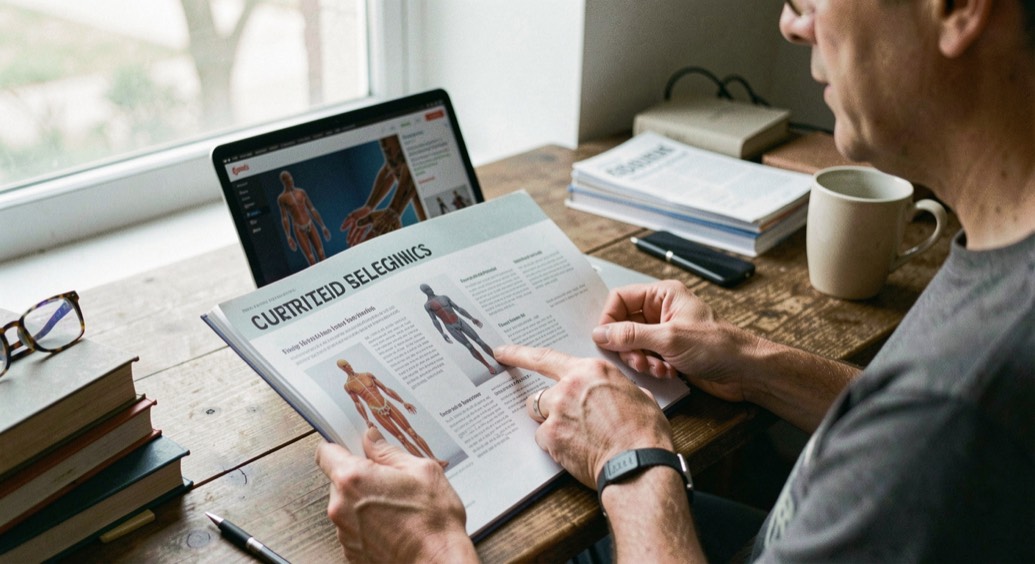
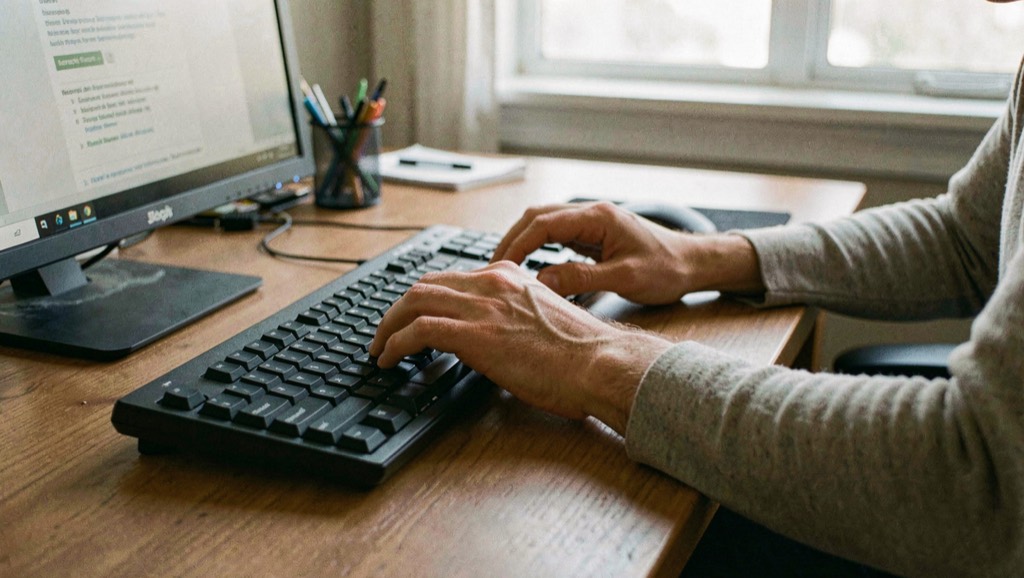
Desk setup that protects wrists during long sessions
Comfort begins with an arrangement that leaves your hands free to move naturally.

Ergonomics
Break patterns that reduce fatigue without losing flow
A good pause preserves the next set instead of interrupting the whole habit.
Ergonomics
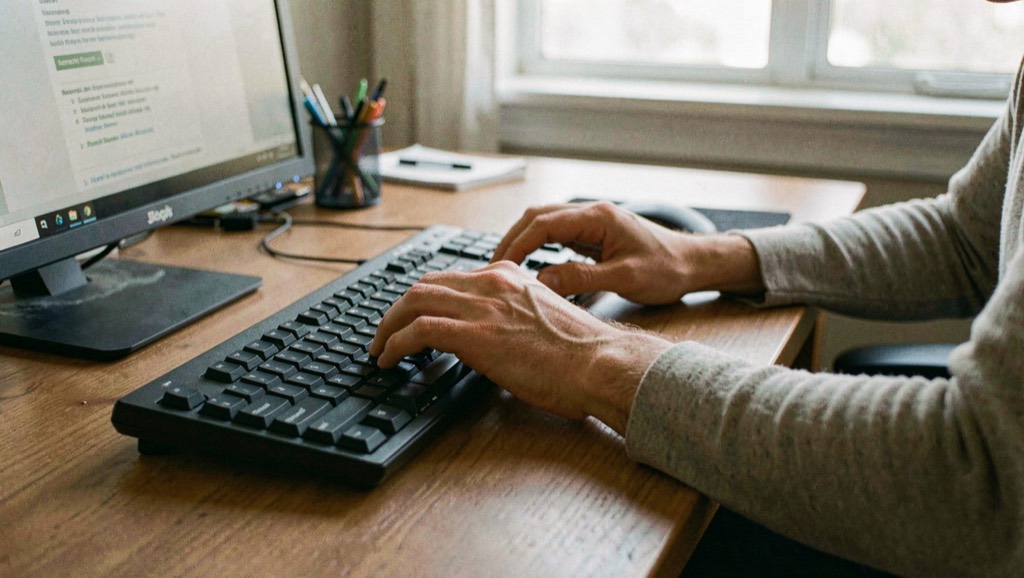
PC stability and diagnosis: a practical method
How to test memory, read SMART attributes, judge sensor limits, run a burn-in long enough, and build a diagnostic USB key for an unstable PC.
Your desk setup and pause routine only get you so far if the machine underneath them is unreliable. A keyboard that drops keystrokes, a cursor that stutters, or a screen that flickers mid-session can undo good posture and steady pacing, and the cause is often hardware rather than you. When symptoms appear only under long, warm sessions, it helps to check sensor readings and burn-in before changing your chair or your schedule. Testing memory, reading drive health, and running a long enough burn-in separates a real fault from an ergonomic one, so you fix the right thing.